Oracle E-Business Suite Connectors Now Available in Beta
We've released new Oracle E-Business Suite (EBS) Extractor and Writer components in beta, providing bi-directional integration with this enterprise ERP system.
Oracle E-Business Suite is a comprehensive ERP platform used by large enterprises for financial management, supply chain, human resources, and customer relationship management. These components connect directly to the Oracle database underlying your EBS instance, enabling automated data flows between EBS and Keboola.
What's included
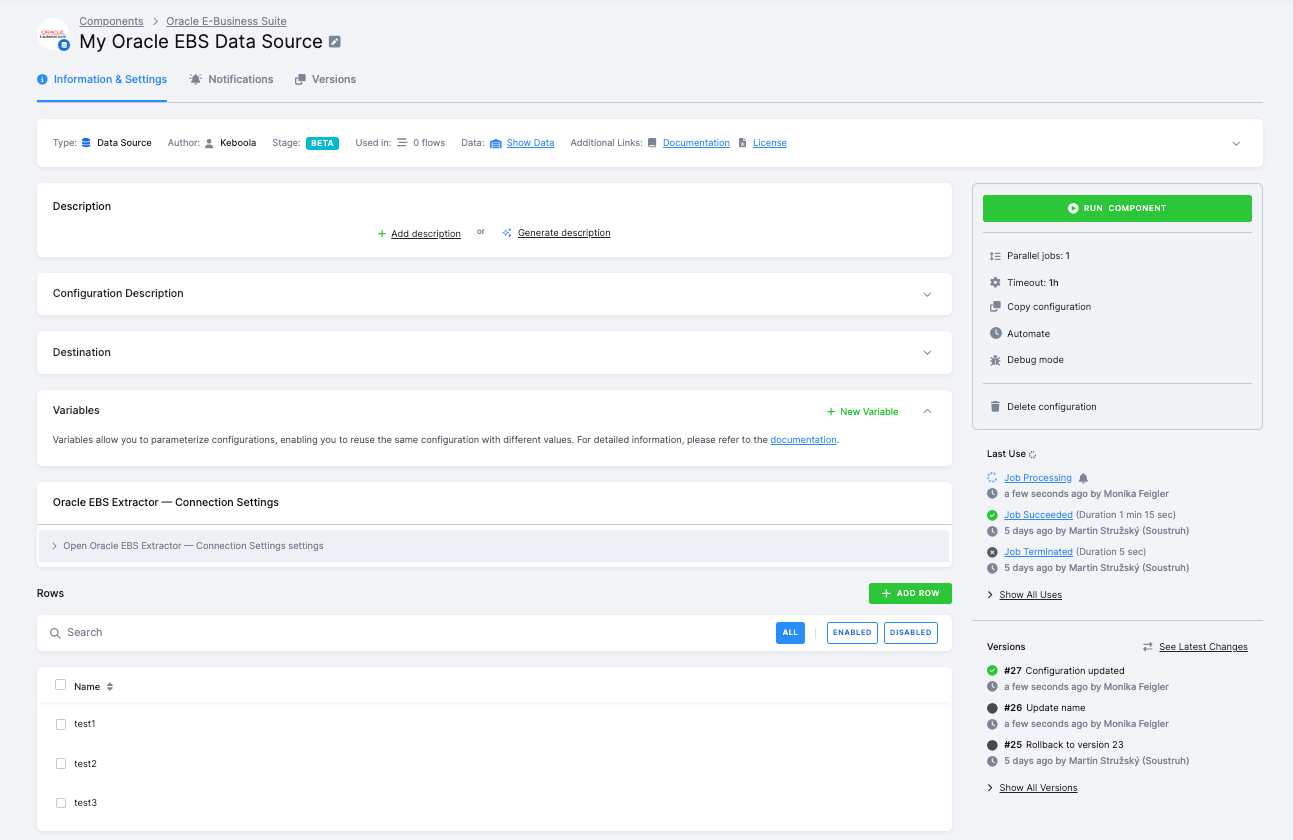
Oracle EBS Extractor pulls data from standard EBS tables across eight modules: Accounts Payable, Accounts Receivable, General Ledger, Purchasing, Inventory, Human Resources, Order Management, and Trading Community Architecture (Customers).
Choose between two extraction modes. Preset mode offers 18 pre-built entity queries with optimized JOINs (e.g., AP Invoices joined with Supplier names). Custom SQL mode gives you full flexibility to write any SELECT query. The component supports incremental loading via LAST_UPDATE_DATE columns, multi-org filtering via Operating Unit picker, and GL Ledger selection for General Ledger queries.
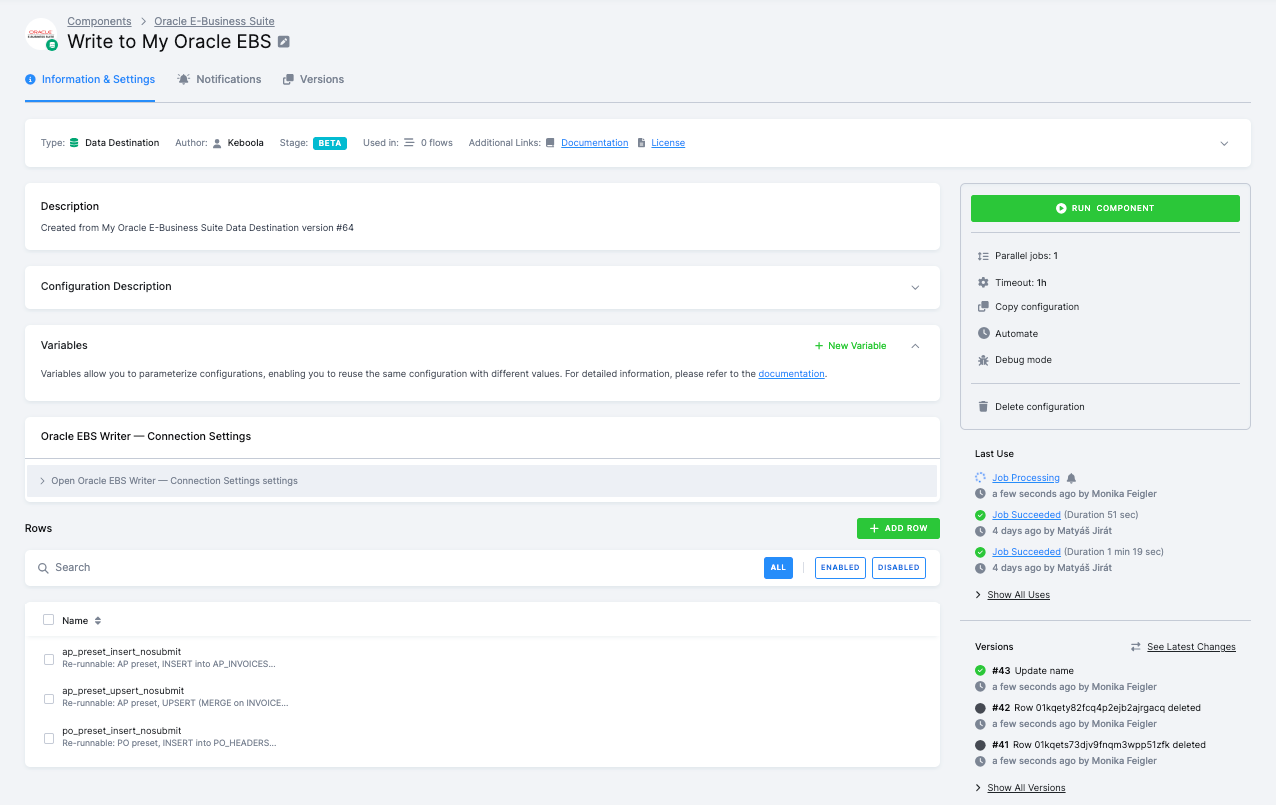
Oracle EBS Writer loads data from Keboola into EBS using two standard integration patterns. Interface tables mode handles bulk writes for transactional data by inserting rows into *_INTERFACE staging tables, submitting the corresponding EBS concurrent program, and polling for completion. ISG REST API mode handles synchronous per-row writes for master data entities like customers and organizations.
The writer supports INSERT and UPSERT operations, automatic enrichment with default values and sequence-generated primary keys, column mapping to rename input columns, and configurable batch sizes. Both components include sync actions for testing connections and discovering available operating units, ledgers, modules, and entities.
Use cases
Common scenarios include extracting AP/AR data for consolidated financial reporting, loading purchase orders from procurement systems into EBS, syncing customer master data between CRM and EBS, or pulling GL journal entries for analytics.
Getting started
Both components are available in beta. The components ship with Oracle Instant Client bundled, so no Oracle client installation is required. You can start testing them in your projects now.
For setup instructions and configuration details, check out the documentation for Oracle EBS Extractor and Oracle EBS Writer.