
Odoo Writer Now Available in Beta
Push data from Keboola Storage directly into your Odoo ERP — to any model, in any version.
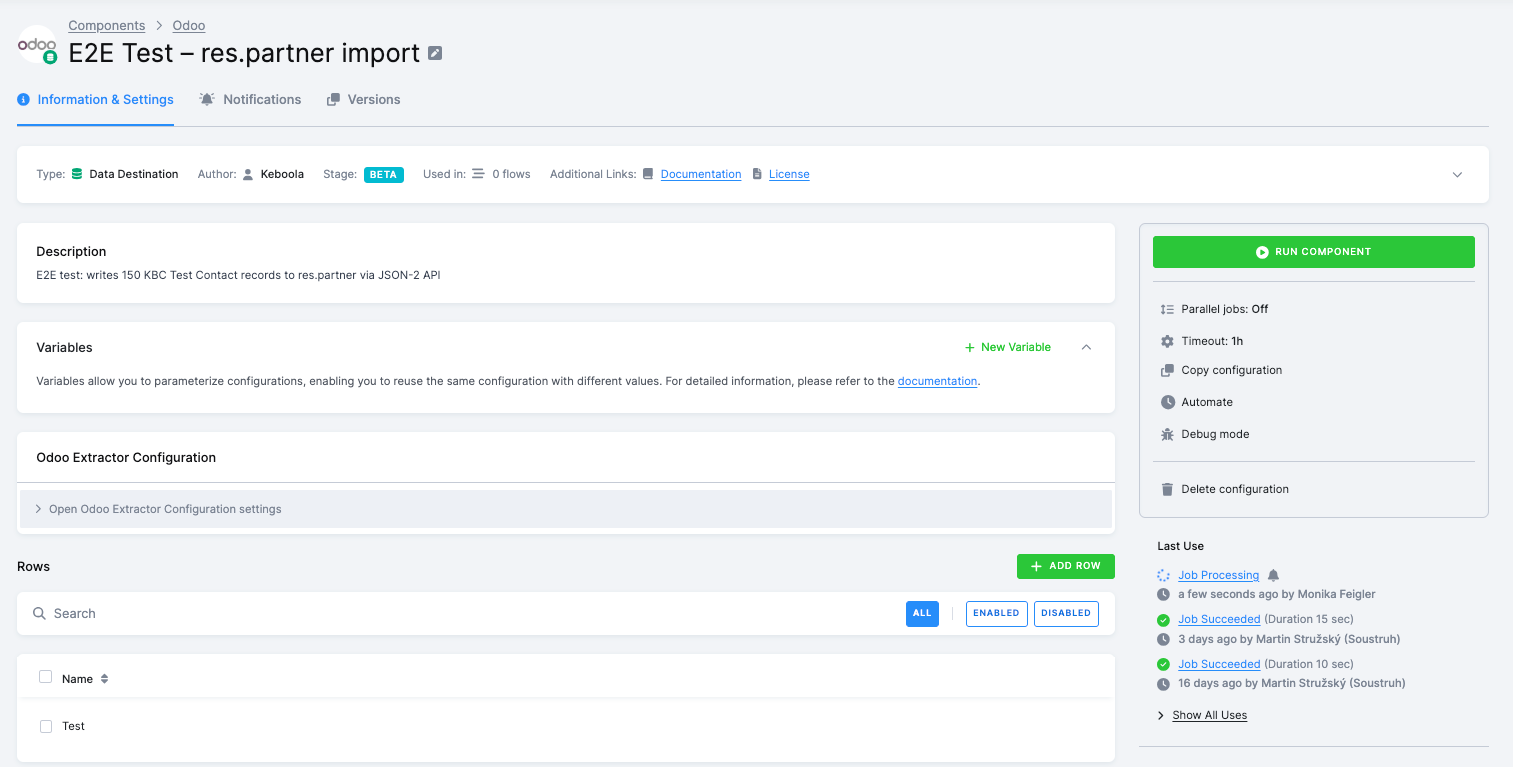
The Odoo Writer completes our bi-directional Odoo integration. Where the Odoo Extractor pulls data from Odoo into Keboola, the Writer pushes it back — creating or updating records in any Odoo model using either XML-RPC (all versions) or JSON-2 (Odoo 19+).
Column mapping is intentionally simple: CSV column names map directly to Odoo field names, with no manual mapping required. Use the built-in List Fields sync action to discover the exact field names for your target model, then name your columns to match.
Key capabilities:
- Any model — write to contacts, products, sales orders, custom models, or anything else in your Odoo instance
- Dynamic UI — discover databases, models, and fields directly in the UI without leaving Keboola
- Dual protocol support — XML-RPC for universal compatibility, JSON-2 for better performance on Odoo 19+
- Batch processing — configurable batch size for efficient bulk creates
- Smart defaults — empty CSV values are omitted, letting Odoo apply its own field defaults
- Test Connection — validate credentials before running
Common Use Cases
- Import contacts — create new partners in
res.partnerfrom a CRM or data warehouse export - Sync products — push product catalog updates to
product.product - Load orders — create sales orders in
sale.orderfrom an external system - Data migration — bulk-create records in any Odoo model during a migration project
- Reverse ETL — write transformed or enriched data back to Odoo from your Keboola pipelines
Getting Started
Add the Odoo Writer to your project, enter your Odoo URL, database, and credentials, and click Test Connection to verify access. Select your target model from the dynamic dropdown, check available fields with List Fields, and prepare your input table with matching column names.
The component is available in beta — we're looking for feedback as we work toward general availability.