
New SAS Extractor (Beta)
Load your SAS (.sas7bdat) files directly into Keboola Storage with our new SAS File Extractor, now available as a beta component.
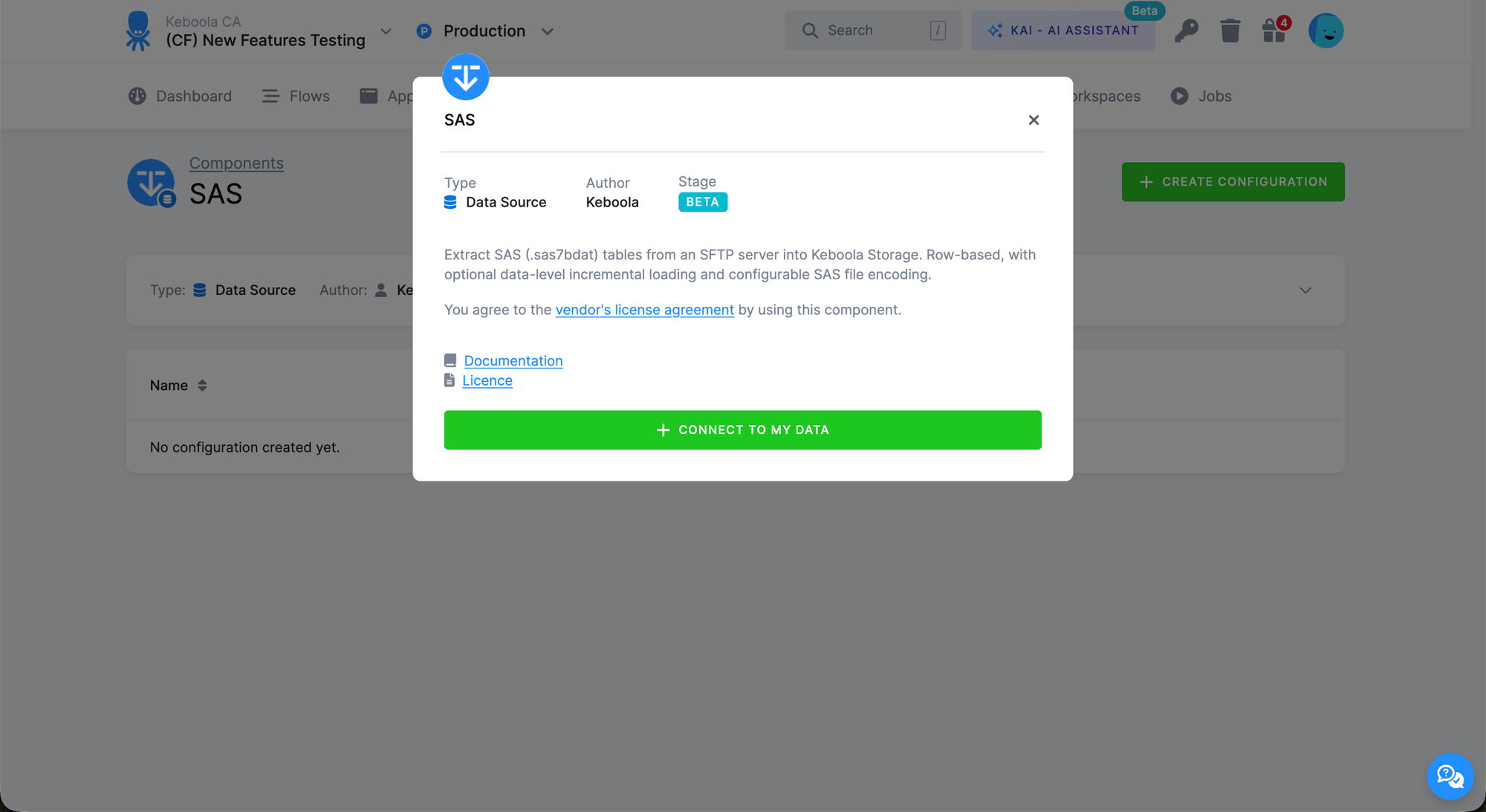
The SAS File Extractor (keboola.ex-sas) connects to your SFTP server, downloads .sas7bdat files, and converts them into analytics-ready tables in Keboola Storage. It handles legacy SAS encodings, SAS date/datetime formats, and large files through memory-bounded chunked processing so you can bring business-critical SAS data into your modern data stack without standing up a separate SAS environment in Keboola.
As a beta component, it's fully functional but still being validated. We welcome feedback as you put it to work.
Capabilities
- Connect to an SFTP server hosting your
.sas7bdatexports - Pick specific SAS files per configuration row, with a built-in table selector that lists what's available in the source folder
- Test SFTP credentials directly from the UI before running
- Supports both full and incremental loads, including data-level incremental filtering on a user-chosen column (int, float, decimal, date, datetime, or string)
- Configure legacy SAS encodings (
CP1250,CP1252,LATIN1,LATIN2,UTF-8) for proper handling of Central European and other non-UTF-8 exports - Map custom string literals (e.g.
"NA","N/A",".") to NULL - Automatic detection of SAS date/datetime columns, including SAS-epoch numeric columns that other tools miss
Highlights
- SFTP-based ingestion — works with any SFTP server that hosts your SAS exports, no SAS server connection required.
- Native SAS type handling — date, datetime, numeric, and string types are mapped to proper Keboola types via pyreadstat plus SAS format overrides.
- Memory-bounded conversion — configurable batch size lets you process large SAS tables without blowing up memory.
- Row-based configuration — each row maps to one SAS table, with shared SFTP credentials on the root config.
- Fully compatible with Flows — schedule and automate your SAS extractions end-to-end.
Get started
You can find the SAS File Extractor in the Extractors section of your Keboola project. For full configuration details, type mapping, and troubleshooting, see the component README on GitHub.
If you run into any issues or have feedback, our support team is happy to help at support@keboola.com.