
New Money S3 Extractor & Writer - Now in Beta
Sync your Seyfor Money S3 accounting data with Keboola in both directions - extract records and write them back - now available as beta components built on the Money S3 GraphQL API.
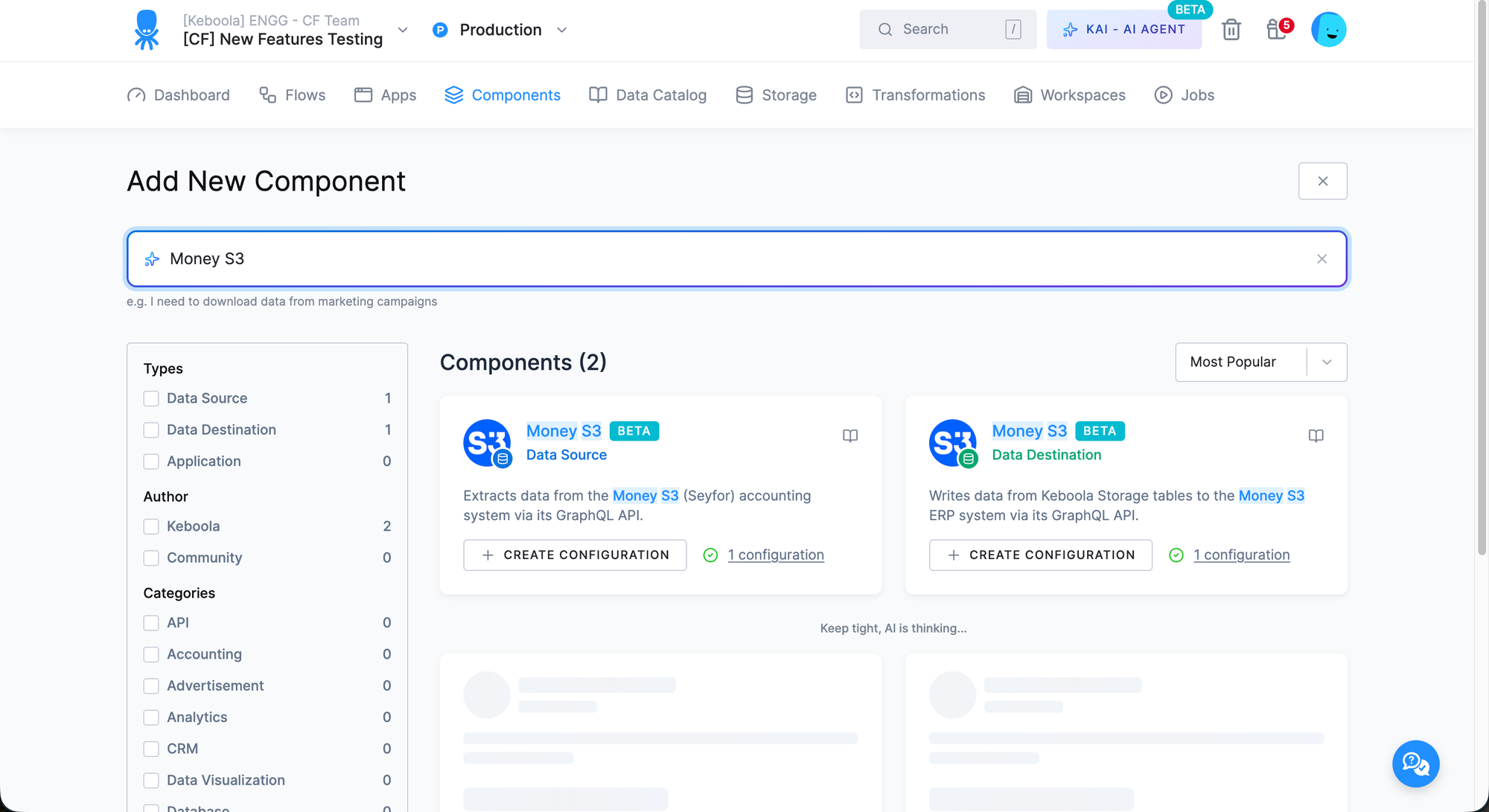
We've released two new components for the Money S3 (Seyfor) accounting and ERP system, both now available as beta: the Money S3 Extractor and the Money S3 Writer. Together they let you pull business-critical accounting data directly into Keboola and push data back into Money S3, all over its GraphQL API.
Money S3 Extractor
The extractor is generic and introspection-driven: it reads the API schema at runtime, so every available endpoint and field is covered without hardcoding. Each configuration row targets one endpoint — issued invoices, received invoices, the address book, accounting journals, or any codebook.
- Select your fields — pick exact fields, or leave the selection empty to pull everything. Nested objects flatten into columns and repeating lists are written as separate child tables.
- Typed output — column data types and nullability are derived straight from the GraphQL schema.
- Automatic primary keys — detected from API metadata, with an optional override.
- Full and incremental loads — incremental loads use a server-side date filter and track a watermark between runs.
- Date range — optionally bound extraction with Date From / Date To.
Money S3 Writer
The writer pushes data from Keboola Storage back into Money S3 using its GraphQL mutation API. Each configuration row targets one Money S3 object (such as Company or IssuedInvoice) and maps your source columns to the object's input fields.
- Create and update write modes.
- Per-record error handling — failed records are captured in the
write_logoutput table instead of aborting the job. - Document mode — for objects with line-item sub-collections (e.g. invoices), a second input table supplies the line rows, joined to header rows by a configurable key column.
- Assisted mapping — the Re-load mapping sync action introspects the selected endpoint's input type and fuzzy-matches your column names to API field names.
Both components are in beta - we'd love your feedback. You'll find them in the Components section of your project.