
Copy and Export Tables and Diagrams from Kai chat
Tables and diagrams from Kai are now copyable and exportable. Hover to copy instantly or download as CSV, Markdown, SVG, or PNG.
You can now copy and export tables and diagrams directly from Kai answers — no more retyping or screenshotting.
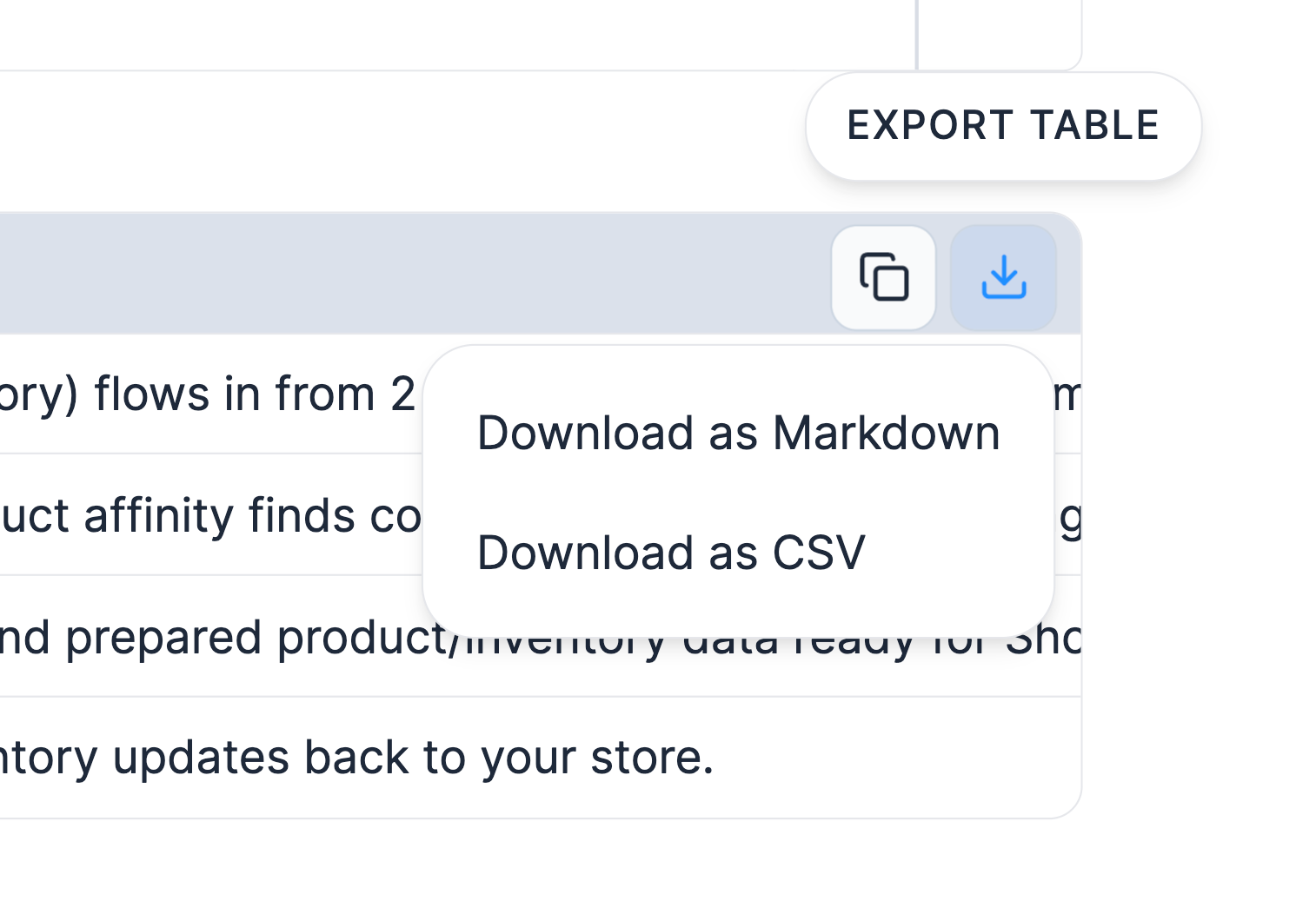
Hover any table in a Kai response to copy it or download it as Markdown or CSV. Drop it straight into a report or open it in Excel or Google Sheets.
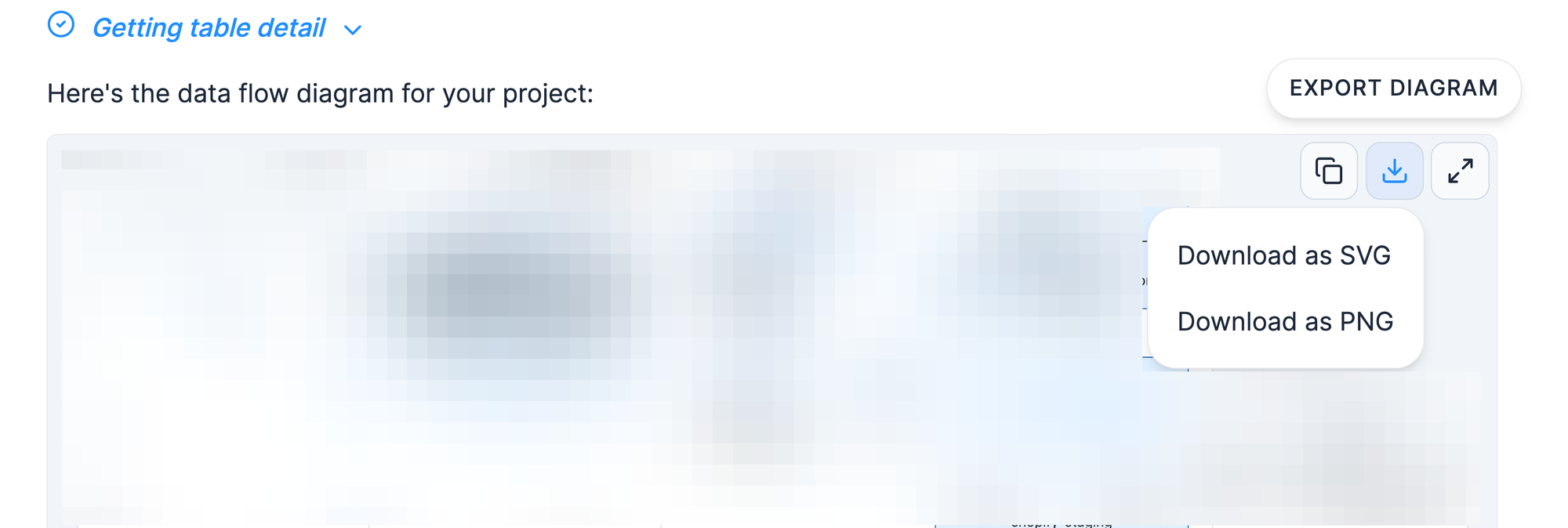
Hover any diagram to copy it or download it as SVG or PNG (high-resolution, with proper background so it pastes cleanly into slides).
The export options live in the top-right corner of each block and appear on hover.
Questions? Contact support via a support ticket.